Plan your whole home in 3D.

Start with the outline. Pick a shape, the floors and a size, and the planner builds it for you to divide into rooms.

Shape
Floors
12 m · 39 ft
10 m · 33 ft

Free, with no account needed. Your designs stay in your browser; sign in to use them on any device.

Your planGround floor
Section

Examples

Look around one that’s finished.

Turn it round in 3D and look through it floor by floor, then edit a copy to make it your own.

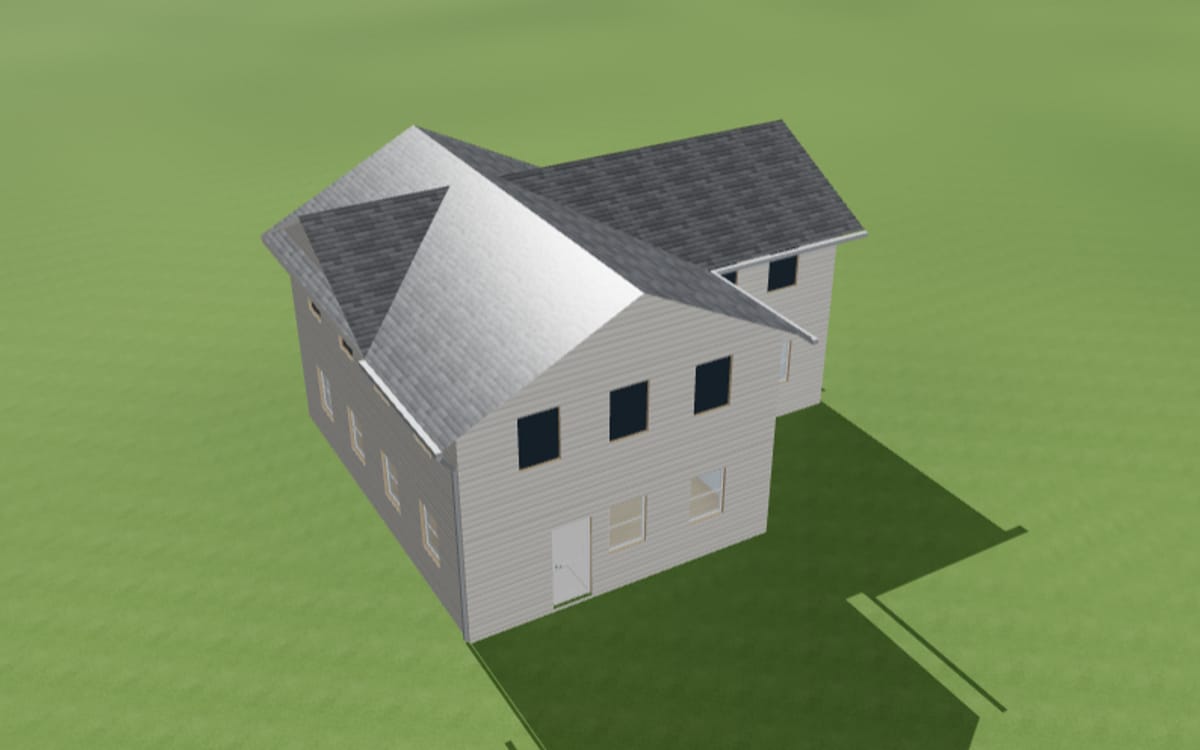
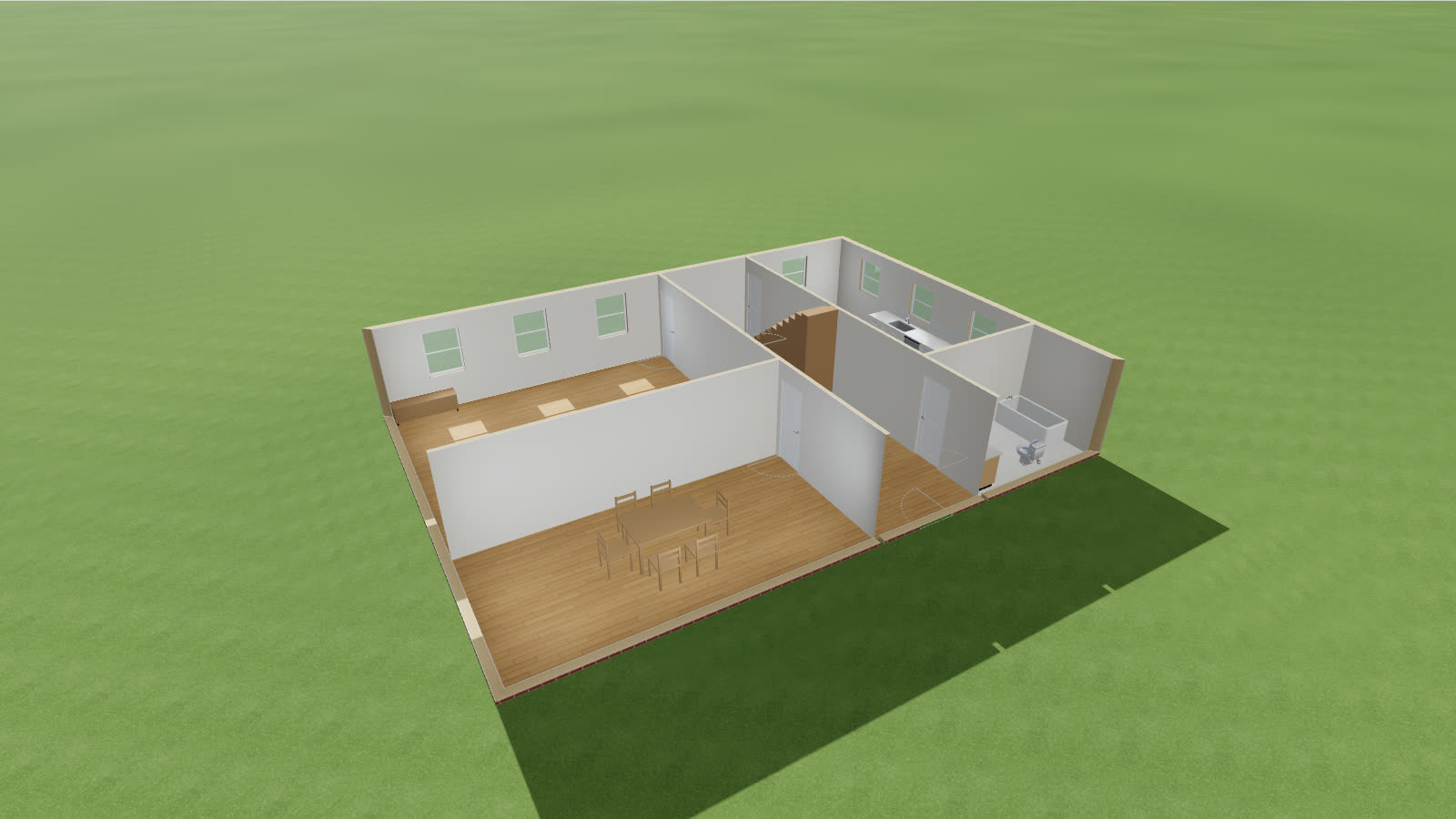
A two-storey house cut away in 3D, its rooms furnished

Two-storey family house3 bedrooms and 2 bathrooms over two floors, 14 × 10 m, brick with a hip roof

Edit a copy

How it works

Plan it, furnish it, check it.

As you draw 2 rooms · 60.3 m² Living room37.0 m² Bedroom23.3 m²
01

Draw it

Divide each floor into rooms with walls you draw, or trace a floor plan you already have.

  • Up to three floors and a basement, with stairs and a roof
  • Doors and windows cut into the walls, at the sizes you type
  • Trace a scan, a listing’s plan or a photo of a drawing
Furnished for you Kitchensink, range, fridge, dishwasher Bathroomtub, toilet, vanity Dining roomtable and six chairs
02

Furnish it

Kitchens, bathrooms and every room between, from a catalog of fixtures, cabinets and furniture.

  • Kitchen runs of base and wall units, counters and appliances
  • Each fixture kept clear of the space it needs to be used
  • Finishes for every floor, wall and the outside, priced as you go
Checked as you move it Front clearance: the vanity is in the way New toilet drain runest. $1,200
03

Check it

Clearances, plumbing and outlets checked against the code you build to, with a running cost estimate.

  • The IRC and NEC, Canada’s NBC and CEC, or Ontario’s OBC
  • An accessible layout, to the ADA or NBC 3.8
  • Plans, wall elevations, schedules and the estimate to export

And more

Everything a house needs, in your browser.

  • Walk through itAt eye level, room to room, in daylight or the evening.
  • RenovateRecord what’s there, then mark what’s new and what goes. The estimate prices the work.
  • Try another ideaKeep design options side by side, and compare them.
  • Review togetherShare a link, or invite people into a live design review.
  • ExportPlans and schedules, wall elevations, quantities and the estimate.
  • Any deviceIn the browser on a computer or a phone. Sign in to keep your projects in step.

Questions

Before you start.

Is it free?

Yes. GroundPlan is a personal project, free to use, with no account needed.

Do I need an account?

No. Without one, your designs are kept in this browser. Sign in with Google or Microsoft to keep them in step on every device you use.

Where are my designs kept?

In your browser until you sign in, then in your account as well. You can also save any design as a file and open it again later.

Which building codes does it check?

The IRC and NEC in the United States, the NBC and CEC in Canada, Ontario’s OBC and OESC, and Toronto’s, with an accessible layout to the ADA or NBC 3.8 if you want one. The checks help you plan; they aren’t an inspection, so confirm the details with your local building department.

Can I give it to my contractor?

Yes. Export the plan and schedules or the wall elevations as a PDF, the fixtures, service locations, quantities and estimate as spreadsheets, or share a link to the design.

Are the prices real quotes?

No. The estimate uses sample prices, so it’s a way to compare one idea with another. Get quotes before you set a budget.
Start with the outline.

Pick a shape and a size, and have a house to divide into rooms in a minute.